Hey, and welcome back to my series! This is the third one, and this is a Dice Roller. This one displays every single roll in order, and does not summarize.
					import java.util.Scanner;
public class Main {
    public static void main(String[] args) {
        Scanner input = new Scanner(System.in);

        System.out.print("How many times should the dice be rolled? ");
        int numberOfDiceRolls = input.nextInt();

        int rolledTimes = 1;
        while (rolledTimes <= numberOfDiceRolls) {
            int roll = (int)(Math.random() * 6) + 1;
            System.out.println("Number: " + rolledTimes + "   |   Roll: " + roll);
            rolledTimes++;
        }
    }
}
To use this code is extremely simple. The steps are listed below, but the simple version is: Copy code, paste in an online compiler, run, and answer any questions the program gives you.
HOW TO USE (Step-by-Step)
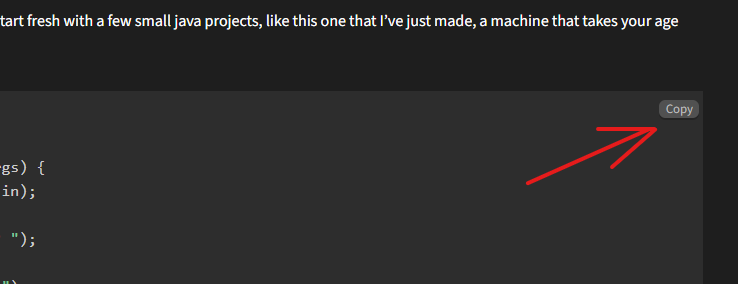
1. First, you need to copy the code. Hover over the code, and a small “Copy” button will appear in the top-right. Copy the code with the button. If it’s not showing up, you can also highlight the code and copy it manually.
2. Next, you have to go to an online Java compiler. Programiz compiler is highly recommended, as that is where I build my code.
3. In the left panel, remove all the code that Programiz already has there by default, and paste my code in.
4. Click run, and your program should automatically run. Fill in any questions it asks you on the right panel.
Using the code is that simple! Every day, I’m going to post another one of these simple programs for a few days. Make sure to check in tomorrow for the next simple program, and have a good day!