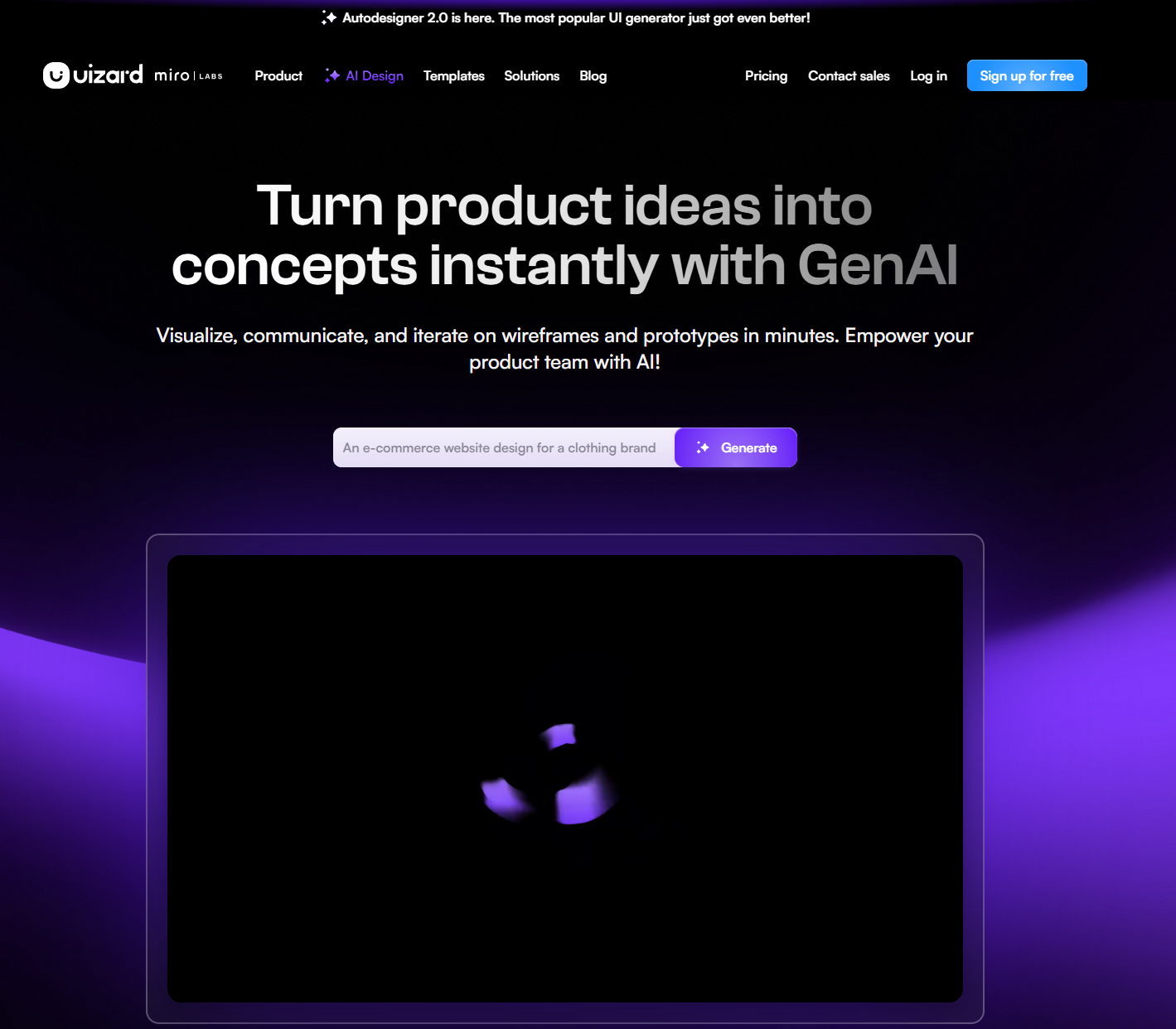
Uizard (uizard.io) is an AI-powered design tool that is now part of Miro. It transforms text prompts into UI designs for websites, wireframes, and other digital projects. It can also convert hand-drawn sketches and image files into editable UI designs online.
Uizard has a tool called Autodesigner that helps generate UI and wireframes. You enter a prompt, and it can create screens for you. It uses large language models, AI models that are used to generate text. They’re usually trained on a large amount of text. They look at the previous words in the sentence to generate the next word correctly. When you enter the prompt, the AI looks at it and designs elements like text, buttons, and images.
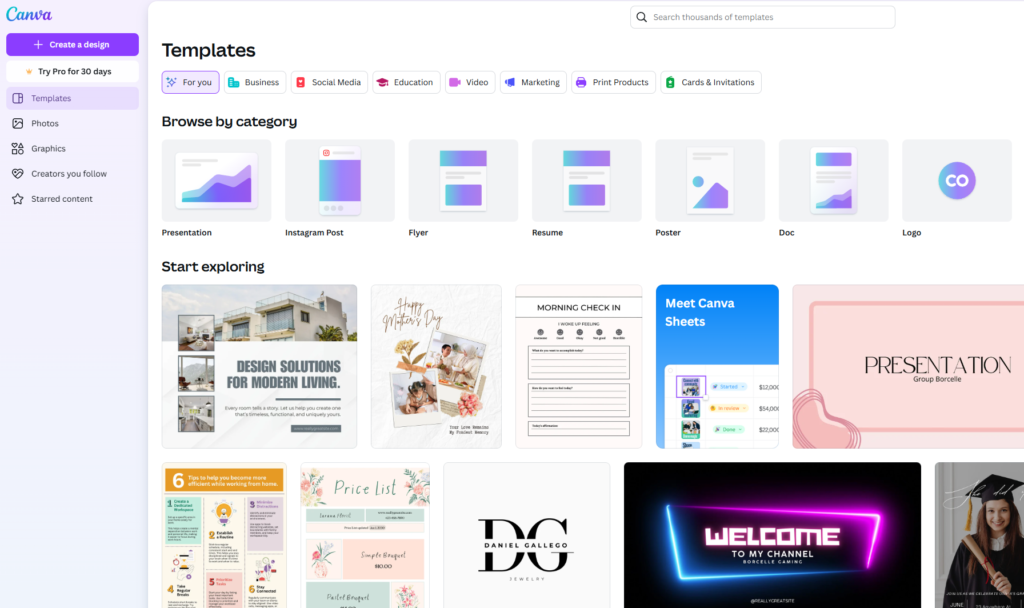
Compared to Canva and other tools, Uizard has better AI-Powered UI Design, while Canva has better Graphic Design. Canva is better suited for creating posters and presentations, while Uizard is mainly made for designing webpages and digital projects. Uizard has the Autodesigner feature that can generate screens and slides in seconds, while Canva has a variety of different AIs for different purposes inside the Magic Studio like Magic Write™, AI Image Generator, and AI Powered Editing tools.
HOW TO CREATE A SHORT DESIGN USING UIZARD
I’m using the free version, which has less capabilities and screens. You can buy the pro version for additional screens and projects.
It depends on what way you want to build your project: You can use AI, or you can design it yourself…
- Go to the Uizard site and login, or sign up if you’re new.
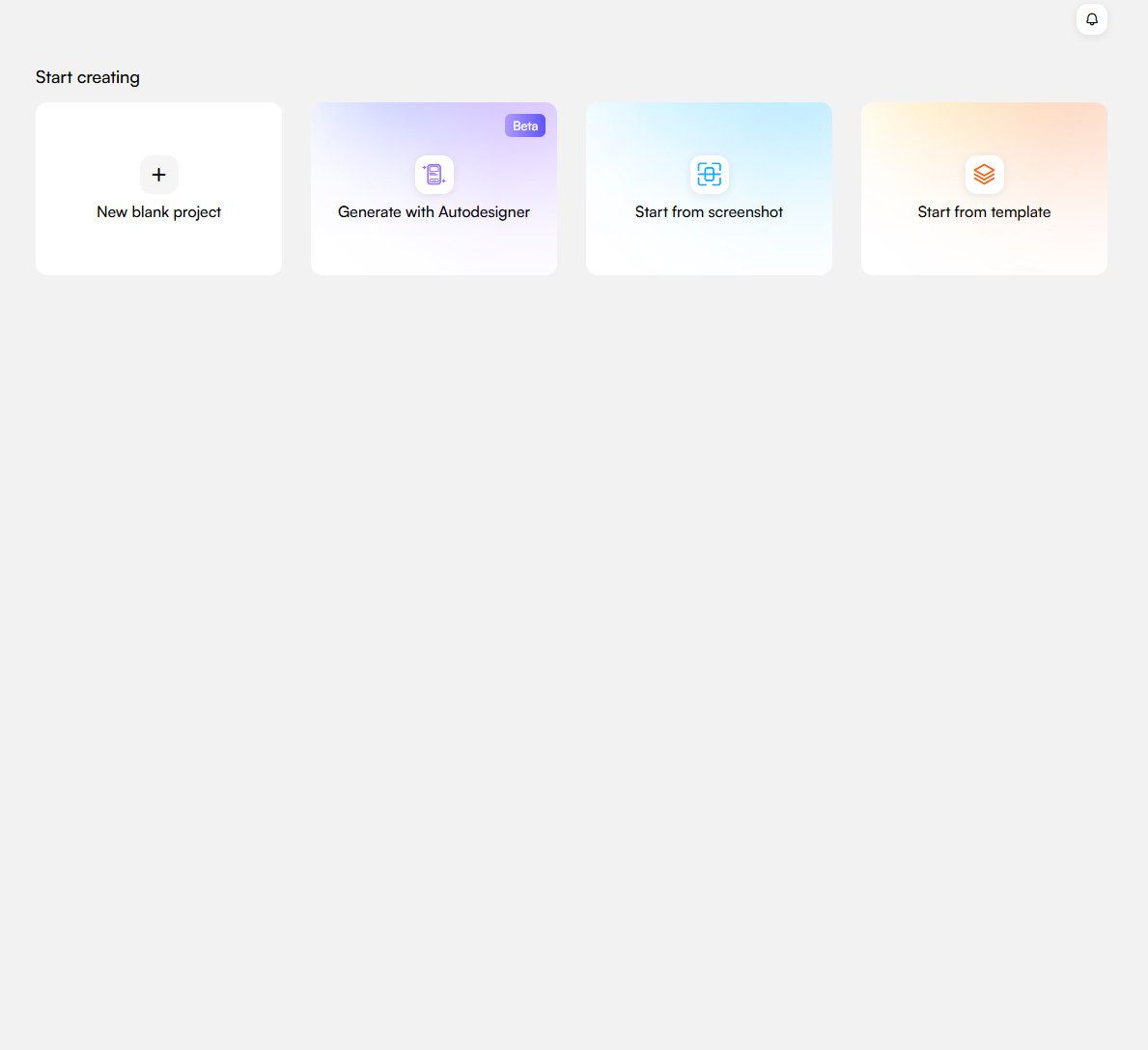
- Choose 1 of the 4 options below “Start Creating”. I’ll be using “Generate with Autodesigner”.
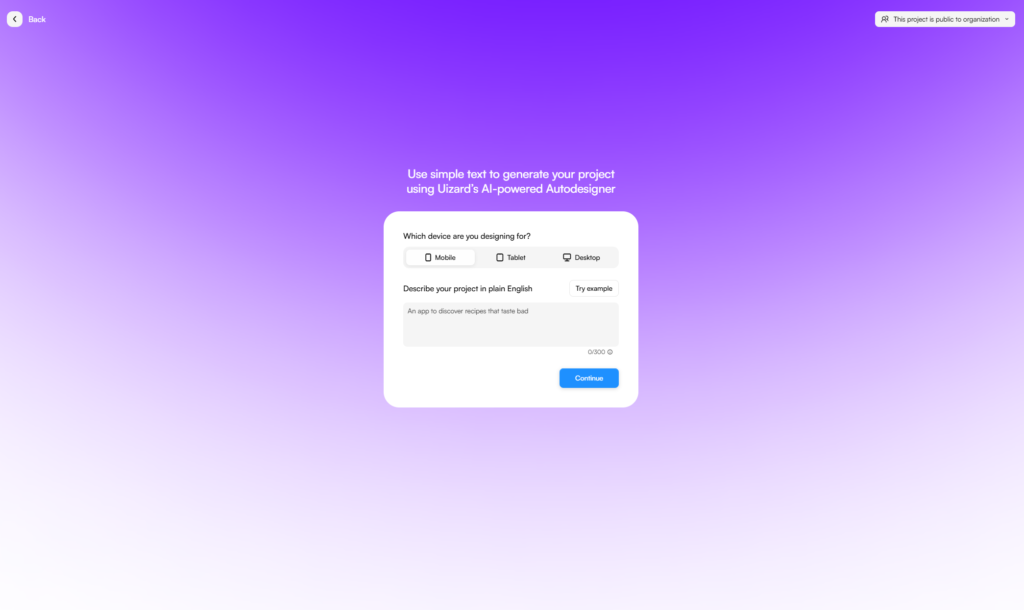
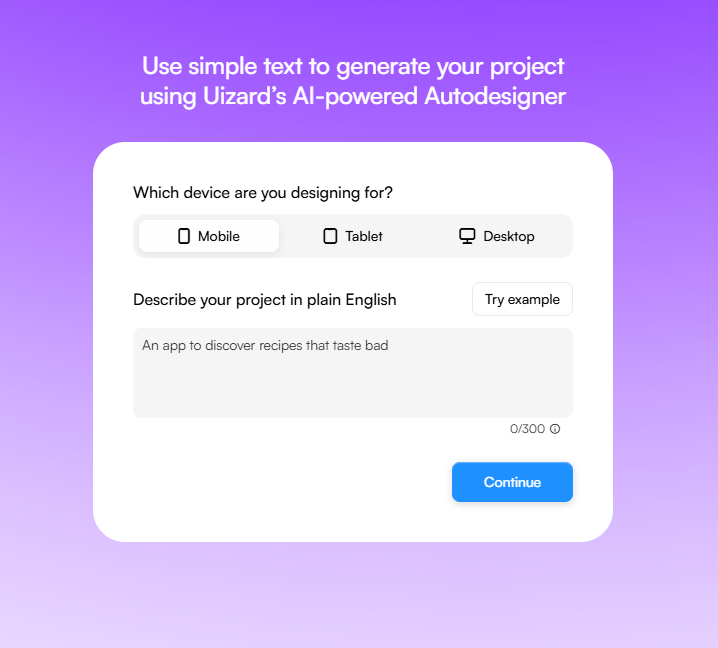
- Fill in the information to make the design you want. I’ll be using Desktop and “Vacation booking site”
- You can use prompt, screenshot, whatever you want to create your thing. After you’re done with selections, click Generate.
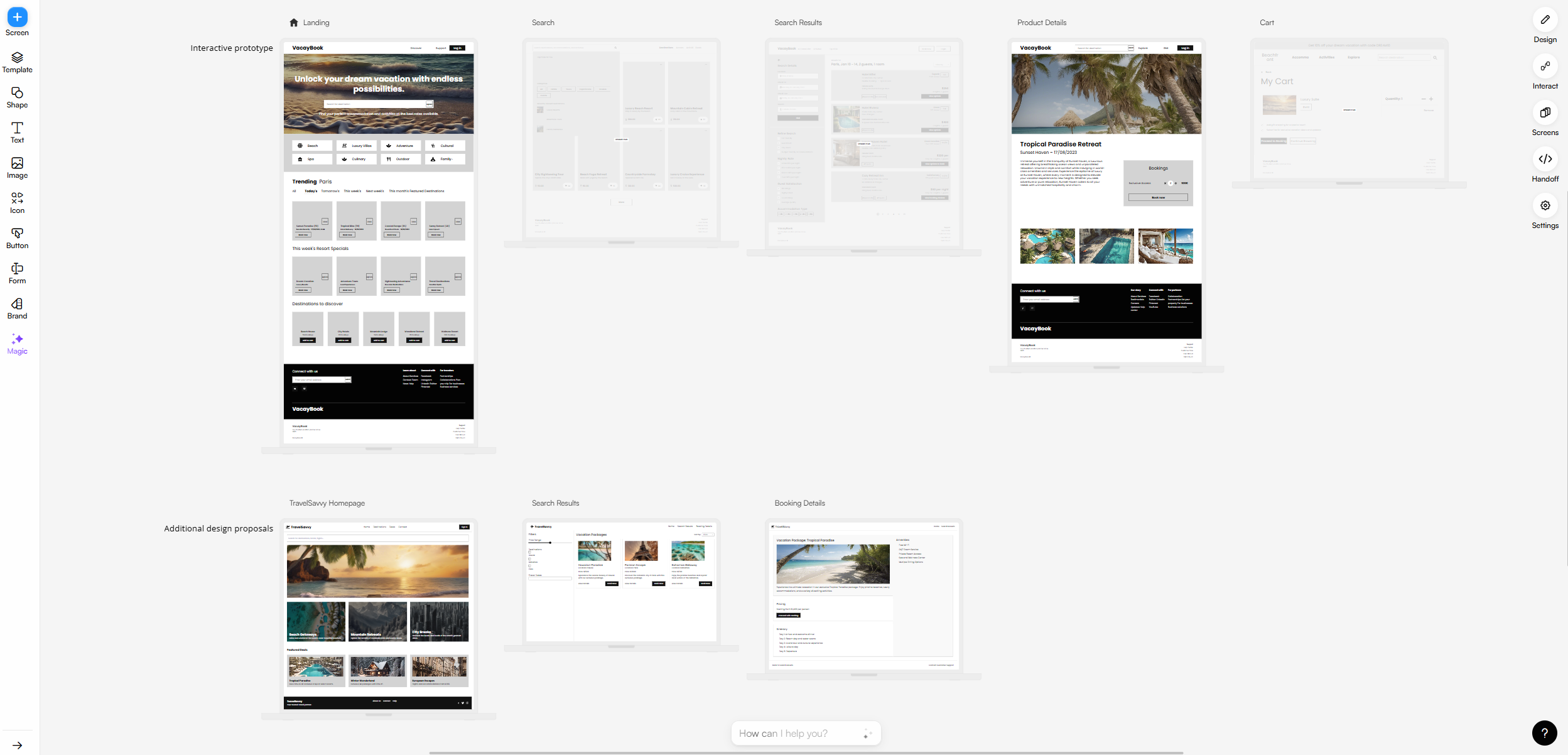
- Customize it to your liking. Change colors and talk to Autodesigner using the chat button on the bottom of your screen.
- There you are! That’s a short design using Autodesigner.
Have fun designing and catch you all on the next post…!